Found a bug?
One picture is enough

Find a bug on the go and your screenshot and notes scatter across apps. SnapBug stores your description and device details inside the screenshot itself. From a single image, your AI coding agent can understand what went wrong quickly and accurately.

Get it on Google Play

Android · Coming soon · No login required

From spotting a bug to sending it, in one picture

Write the report the instant you capture, or leave it by voice instead of typing. Your note and device details ride inside the image, so you just send one picture to your AI coding agent.

Report the instant you capture

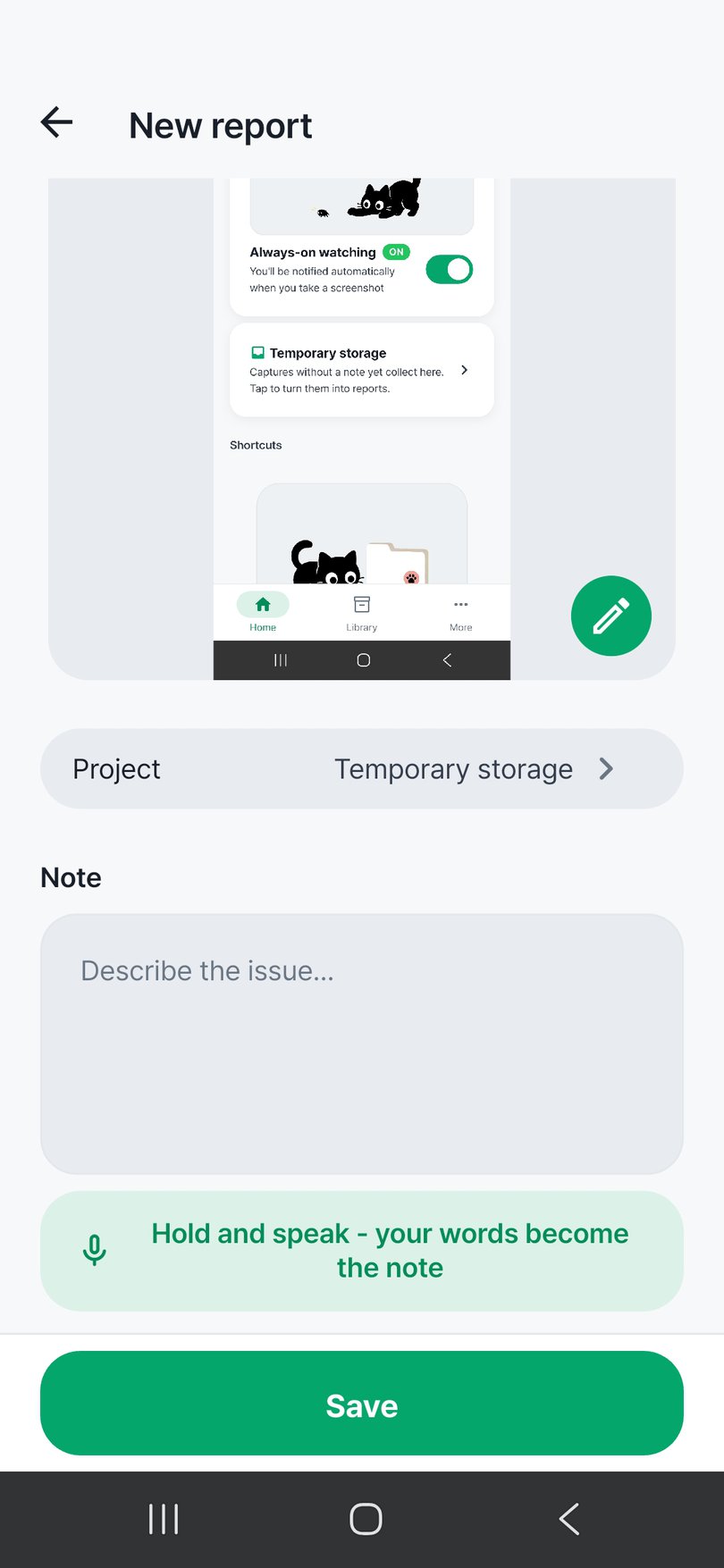
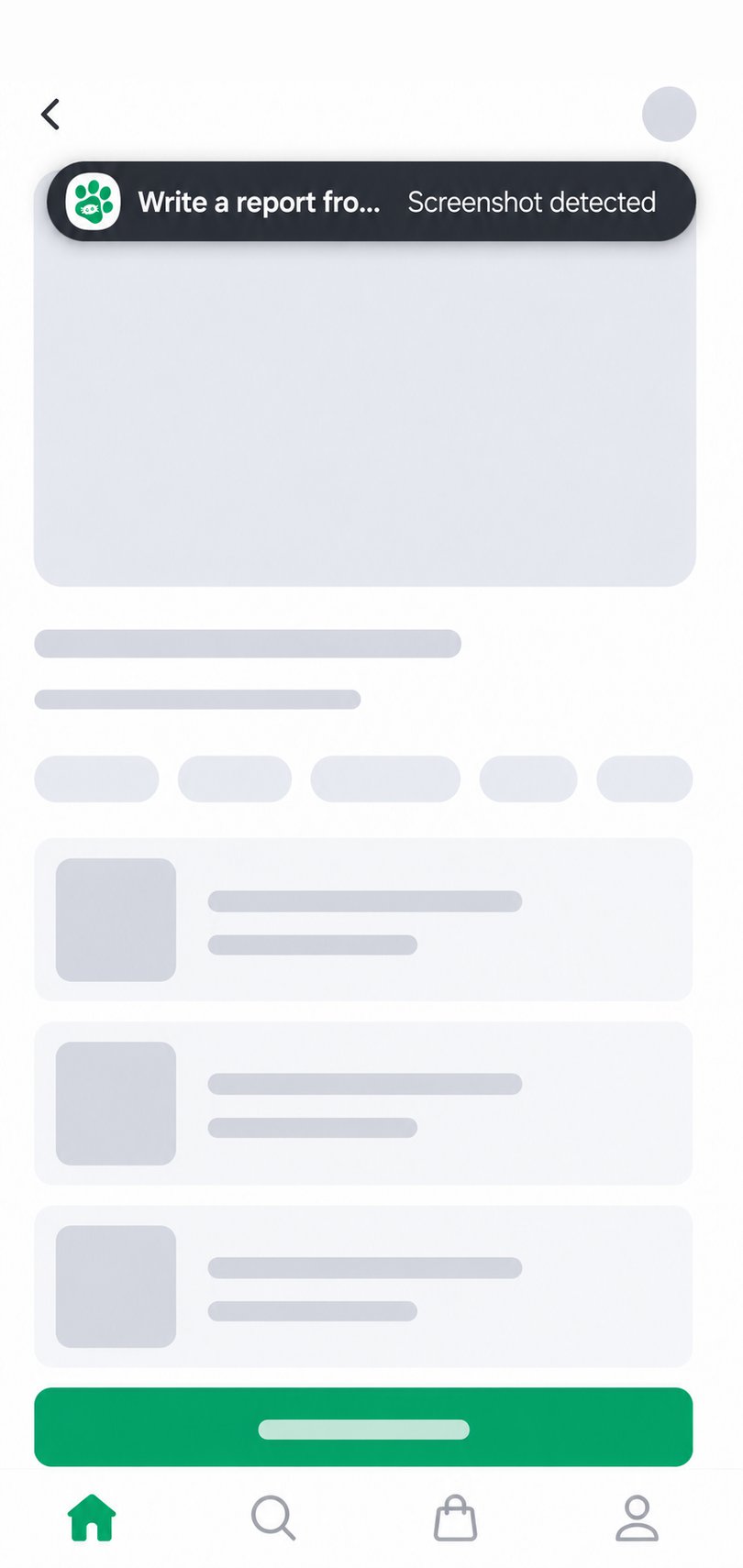
A notification pops the moment you take a screenshot, so you write the report right where you found the bug.

Mobile debugging, by voice

Write with your voice instead of typing, so you can log bugs from your phone even on the move or out and about.

Everything in one picture

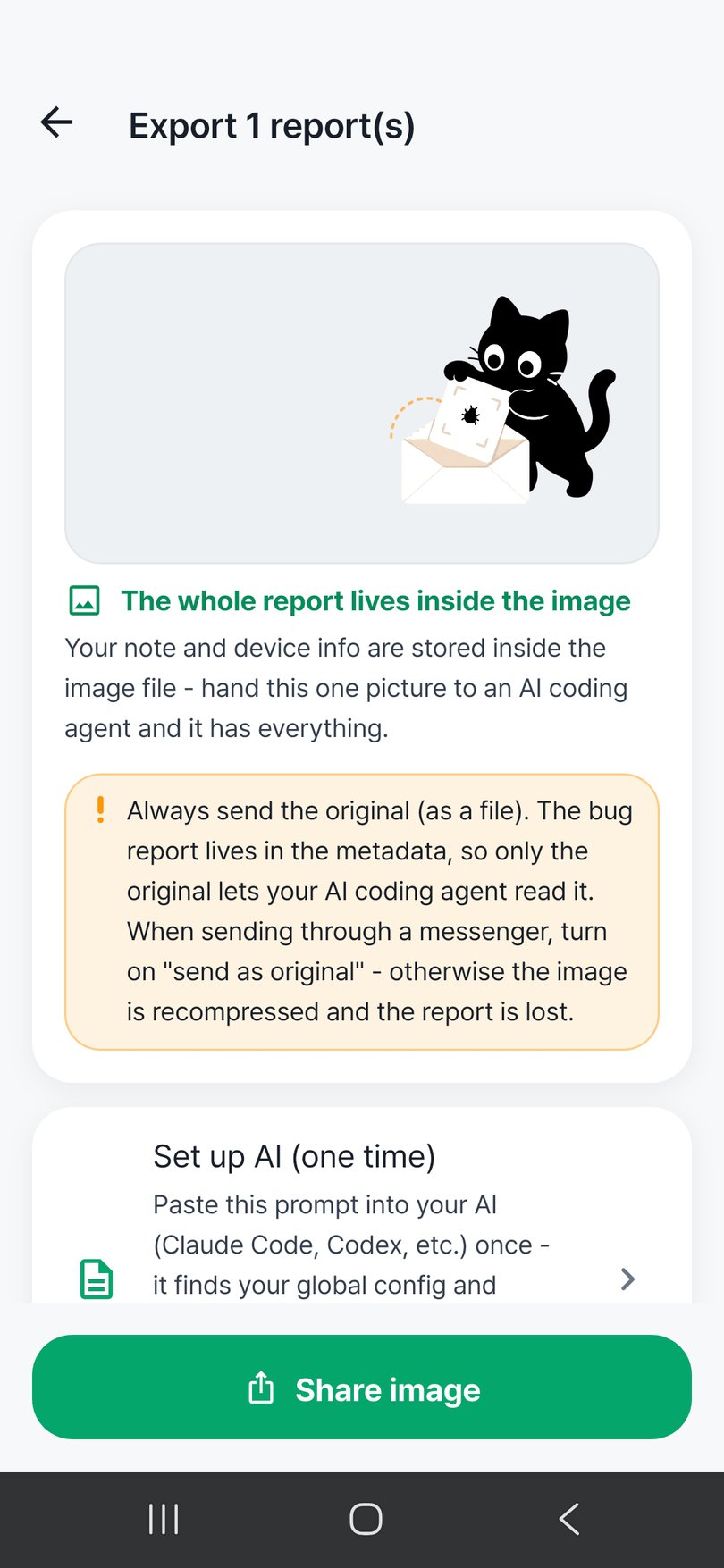
Unlike keeping notes and images apart, your description and device details live inside the image — send one picture and the AI understands it all.

Three steps is all it takes

01

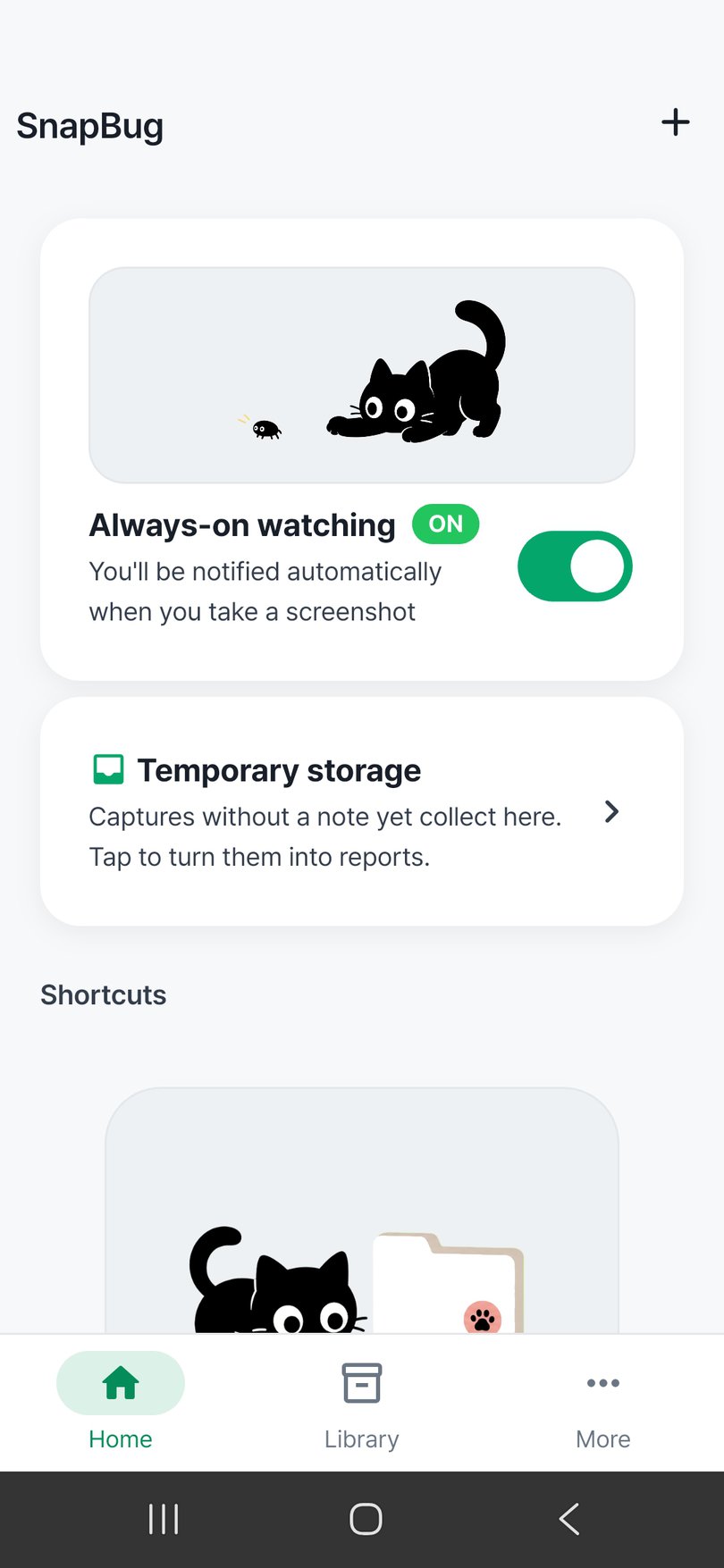
Turn on watching

Turn on always-on watching from the home screen. Even with the screen off, SnapBug won’t miss a new screenshot.

02

Capture and note

When you hit a bug, take a screenshot as usual. Tap the notification and jot down the problem — or say it with your voice.

03

Hand one picture to AI

Pass that single image, with your note and device details baked in, to your AI coding agent. Done.

Why SnapBug is different

Screenshots detected
note it from the alert

The moment a screenshot is taken, SnapBug notices it and shows a notification you can tap to add your note right away.

  • A notification pops the moment you capture
  • Just take a screenshot as you always do
Screenshot detection alert
9:41
Voice note input
9:41

Typing is a hassle?
Just say it

If typing is a hassle, hold the microphone and just say it. Your words are turned into clean text automatically.

  • Hold the mic and speak naturally
  • Your words become clean text

Device details
recorded for you

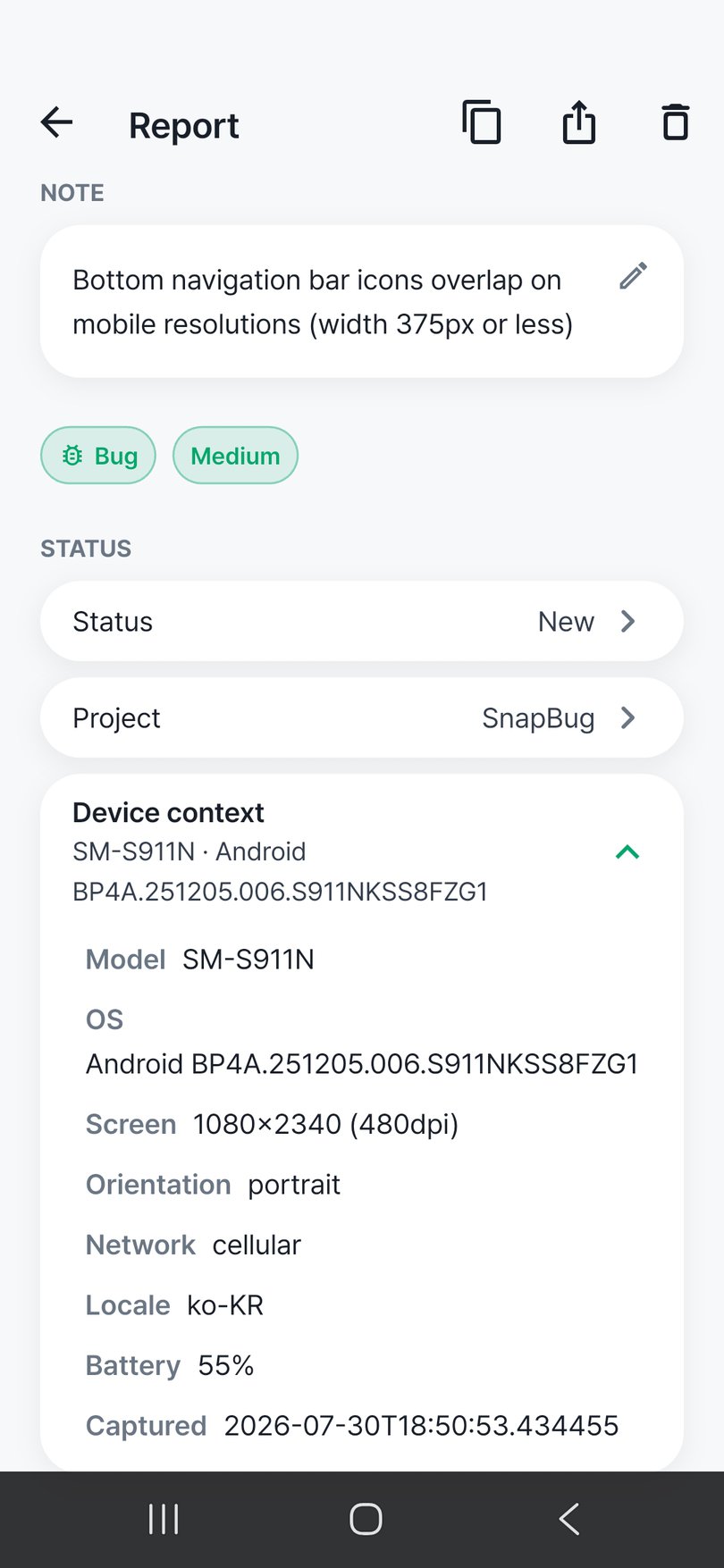
The clues you need to reproduce a bug — device model, OS version, screen size, battery and network state — are recorded into the report for you.

  • Model, OS version, screen size
  • Battery and network state too
Device context screen
9:41
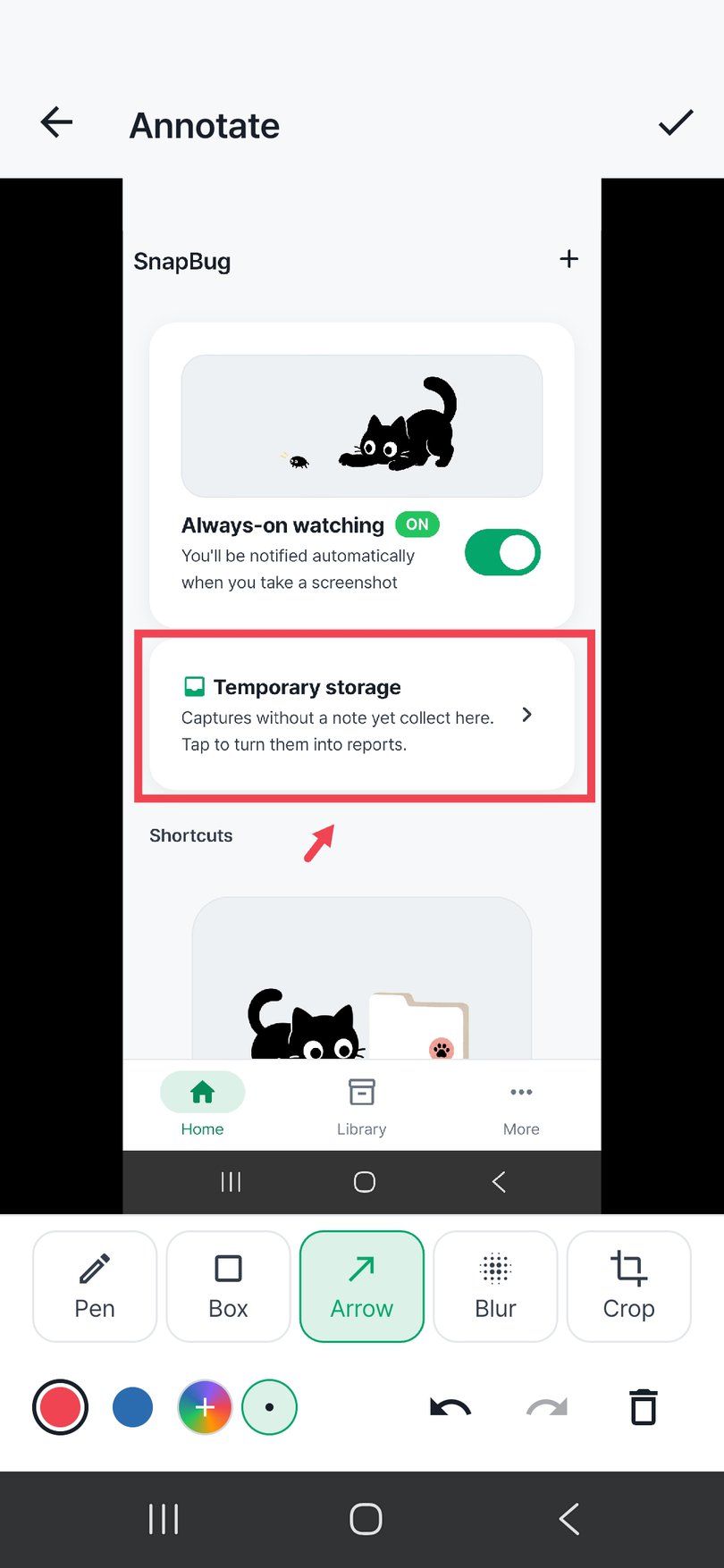
Annotation editor
9:41

Point right at
what went wrong

Use the pen, shapes and arrows to point right at the part that went wrong, and blur whatever should stay hidden. Annotations live on their own layer, editable anytime.

  • Pen, shapes, and arrows mark the spot
  • Blur whatever should stay hidden

A project for
every app you test

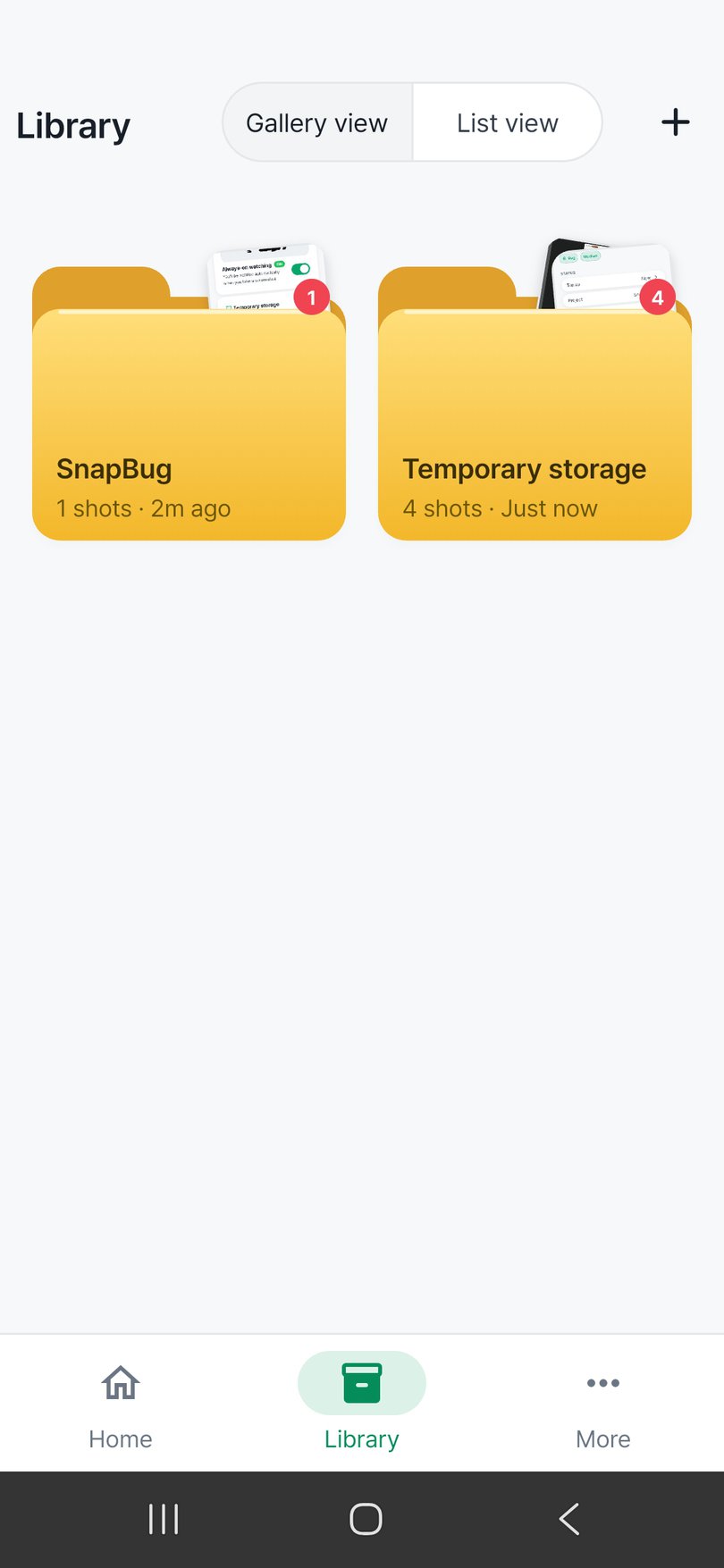
Keep a separate project for each app you are testing, so reports stay tidy and are easy to find later with search.

  • Keep reports tidy, one app at a time
  • Search and find them later
Project list
9:41
Report export screen
9:41

A complete report
in a single picture

Your description and the automatically collected device details are stored right inside the screenshot image. No separate text document — just hand over one picture.

  • Your note and device details live in the image
  • No separate text document needed

Frequently asked questions

What is SnapBug?

SnapBug is a mobile bug-report writing tool for AI coding agents. It writes your bug description and device details into the screenshot, so later you just hand one picture to your AI coding agent and it understands what went wrong quickly and accurately. Available on Android.

How does a screenshot become a report?

Turn on always-on watching, and a notification pops the moment you take a screenshot. Tap it to note the problem (voice input works too), and your description plus the automatically collected device details are stored inside that image. Hand over the finished picture as is.

Where are my reports and screenshots stored?

Your report text, annotations and device details are not sent to external servers — they are kept inside your device only. SnapBug does not record your screen; watching only checks whether a new image was added.

Do I need an account or login?

No. There is no sign-up and no login — you can start writing bug reports the moment you install. Because no account is created, no personal identifiers like name or email are collected.

Can I use voice, and what device info is captured?

Yes. Hold the microphone and speak, and your words become clean text automatically. Device model, OS version, screen size and orientation, battery and network state, language and capture time are also added to the report for you.

Is SnapBug free?

Yes. It is free to download. It shows a banner ad and a native ad when you exit the app, and you can remove ads with a one-time purchase.

Found a bug? One picture is enough.

Let SnapBug turn your bug reports into a single picture.

Android · Coming soon

Get it on Google Play